Shopify Account Access Request Procedure
Procedure
In order to gain access to the Shopify stores, please follow the following steps.
- Create a partner organization from the https://www.shopify.com/partners link
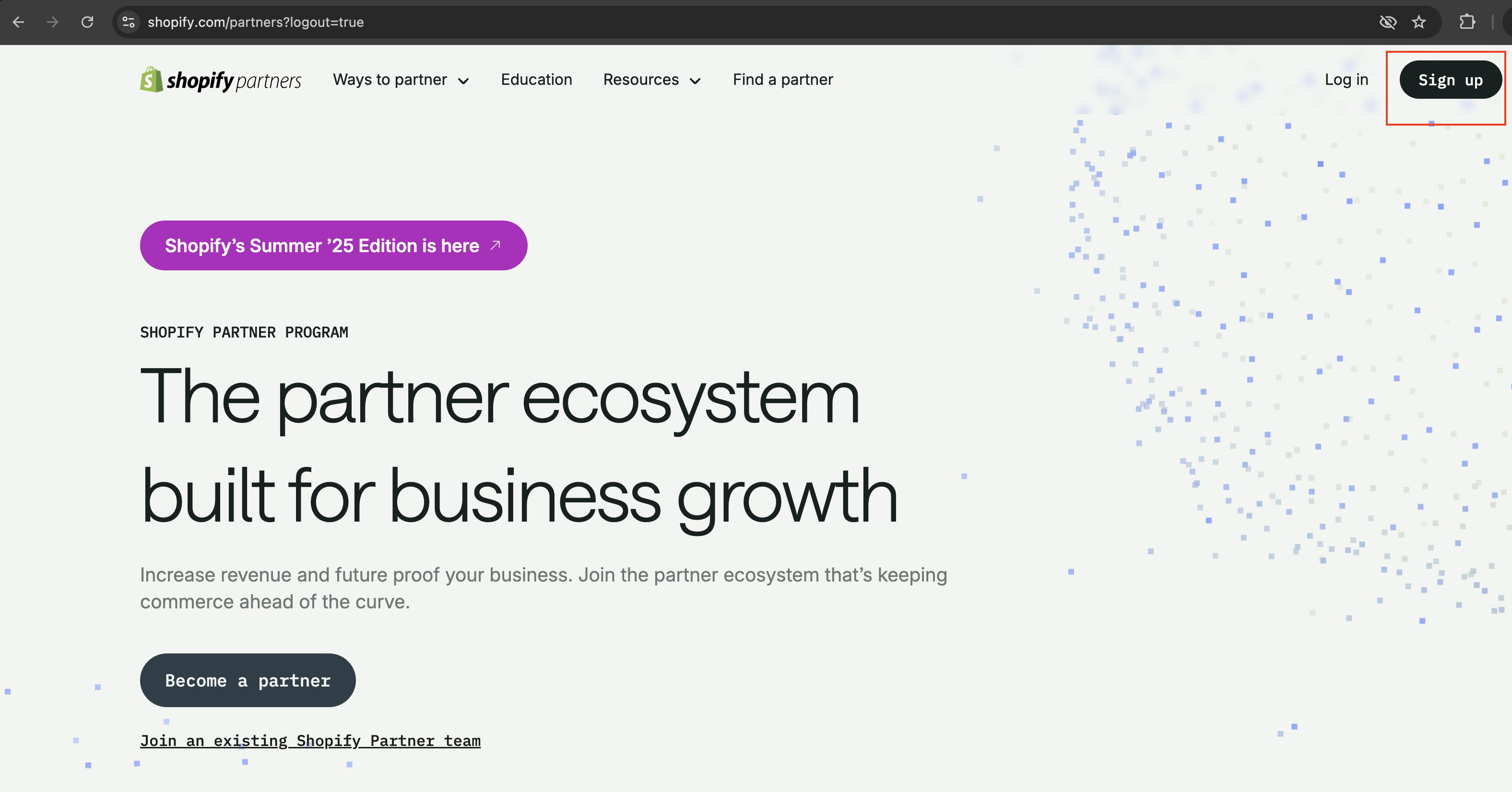
- Click Sign up
- Answer the questions as follows
- How would you like to get started as a partner?
Create and setup a new partner organization
- What’s your main focus as a Shopify partner?
Provide service for existing businesses
- Where's your business located?
Texas, United States
- Address
- Business:
<Your Name> - Address line 1:
Pacific Trading Group Inc., PO BOX, Austin Texas - City:
Austin - Zip:
78733
- Business:
- How would you like to get started as a partner?
- Continue ( Create partner organization )
- Check inbox and verify email (if Shopify requests verification)
- From the Shopify Partners dashboard
- Stores > Request access to a store managed by a client > Request access to store
- Store URL
- For Halio:
halio-sonic - For CoBa:
fca53b-2
- For Halio:
- Collaborator request code
- Halio:
8764 - CoBa:
7113
- Halio:
- Permissions
- If you know which permissions you need, check those, otherwise leave the permissions section empty. Requested permissions will be reviewed and granted by the store administrators.
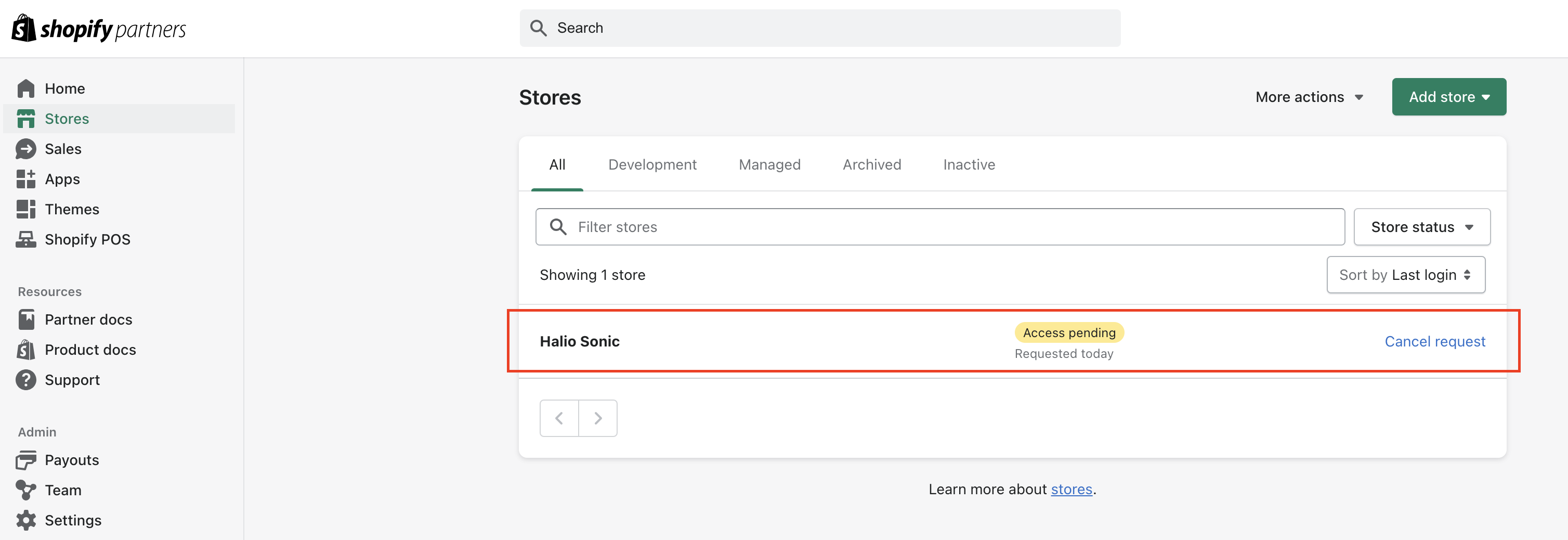
- Click Request access to store button
- Store URL
- Stores > Request access to a store managed by a client > Request access to store
- Once the access has been granted
- Reload the “Stores” page
- And then click Log in to enter the store from the Shopify Partners dashboard.